
Stop Treating SOC 2 Vulnerability Scanning Like a Checkbox Written on . Posted in How-To.
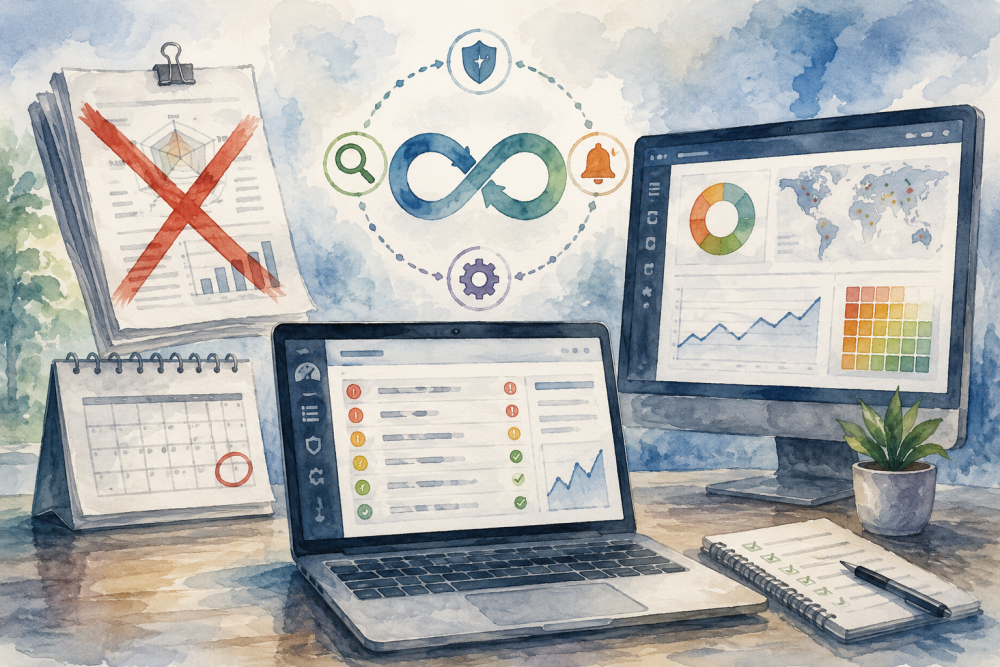
The Annual Scan is Dead
Auditors stopped accepting a single 300-page Nessus PDF years ago. Under CC7.1, SOC 2 vulnerability management requires continuous monitoring. A vulnerability disclosed today affects code you shipped six months ago; finding out about it during your annual audit means you failed the control.
You need a defined way to identify newly discovered flaws affecting the packages your software already uses. If your tool alerts the team when a new CVE affects lodash or spring-core, that alert becomes part of your CC7.1 evidence. The process matters more than the specific scanner you buy.
We saw a Series B startup fail their Type II audit earlier this year because they had no ticket history showing they actually fixed the critical findings their scanner found. They bought the tool but ignored the alerts.
What Auditors Actually Look For in 2026
A strong process includes automated scanning, alert review, severity-based SLAs, ticket history, and reporting. Your tooling can vary, but the evidence must show a repeatable process.
- Infrastructure Scanning: Checks the operating system and network layers for open ports, outdated Linux kernels, and missing patches on web servers like Nginx.
- Dynamic Application Security Testing (DAST): Crawls your application to inject commands, execute cross-site scripting, and find misconfigurations in HTTP headers. Authenticated scans catch the flaws hiding behind your login screen.
- Software Composition Analysis (SCA): Looks at your package.json or requirements.txt files to see if you import libraries with known flaws.
- Cloud Security Posture Management (CSPM): Scans your AWS or Azure environments for public S3 buckets and overly permissive IAM roles.
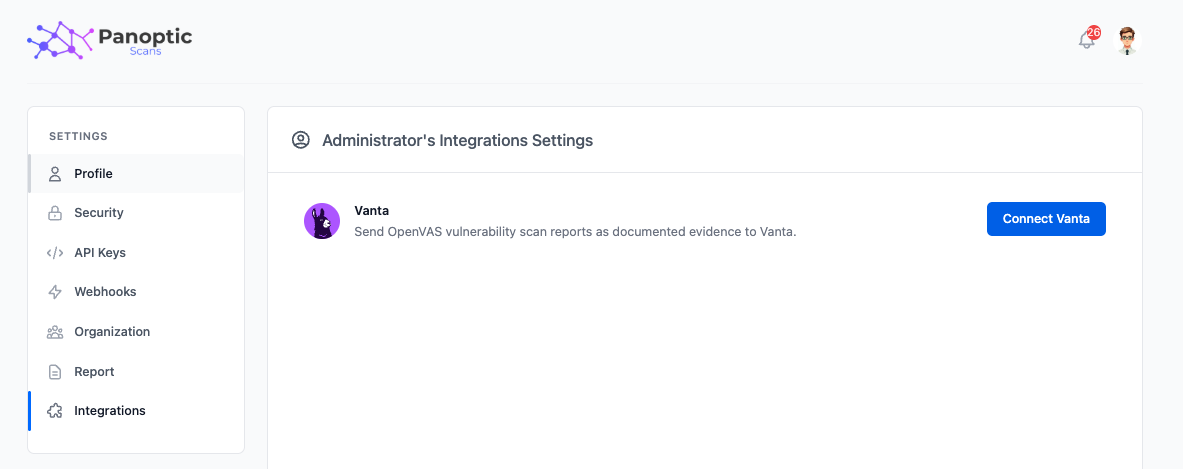
You can automate much of this. Hosted Nuclei scans run continuously against your external attack surface. Panoptic Scans integrates directly with Vanta to pull your scan results into your compliance dashboard automatically. You don't have to manually upload CSVs every Friday at 4pm.
Set SLAs You Can Actually Meet
SOC 2 does not mandate specific remediation timelines. You define them in your security policy. Common industry practice sets clear deadlines based on severity.
| Severity | Expected SLA | Audit Reality |
|---|---|---|
| Critical | 7 to 15 days | Requires immediate Jira ticket and verified fix |
| High | 30 days | Must not exceed the SLA window |
| Medium | 90 days | Often accepted as risk exceptions if documented |
| Low | 180 days | Rarely scrutinized unless ignored entirely |
Missing your own documented SLAs is a frequent audit failure. Do not promise 24-hour remediation for high-severity bugs if your engineering team deploys once a week. Set a 30-day SLA. Meet it consistently. Auditors prefer a slow, reliable process over a fast, broken one.
Focus on context-aware prioritization that factors in asset criticality and exposure. A critical CVE on an internal testing server matters less than a medium-severity flaw on your public API gateway.
Stop fighting your compliance tools. Automate the discovery phase and let the scanners generate the evidence for you.