
Profile Settings
Accessing settings
Open settings in either way:
- Click your avatar in the top-right corner, then choose Settings.
- Navigate to
/settingsin your browser.
Profile
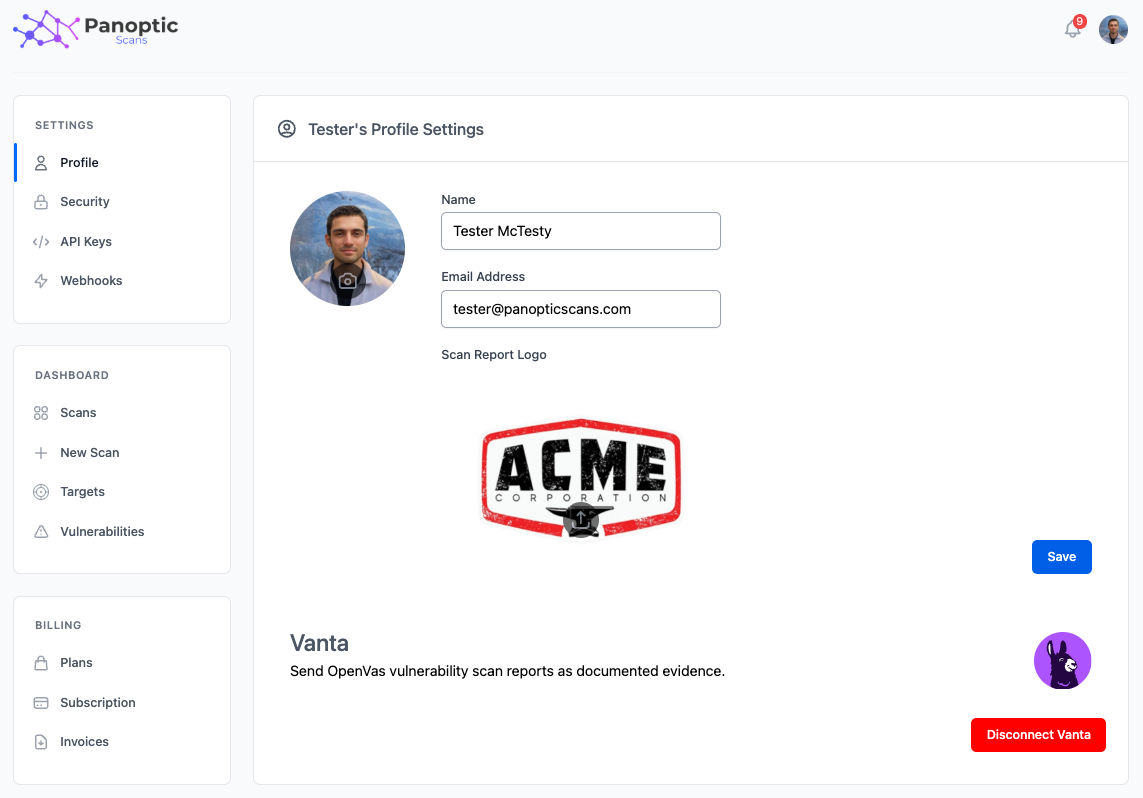
In the Profile section you can update your name, email address,avatar, and report logo. The report logo is used to display your logo on the report PDF.
Here, you can also connect to your Vanta account to enable Vanta integration. Once connected, scan results will be sent to Vanta automatically.
Security
In the Security section you can change your password. You must enter your current password, your new password, and confirm the new password before the change is applied.
What should I update first?
Set a unique password, confirm your email address, and add a report logo if you send white-labeled PDFs to customers or auditors. Connecting Vanta from this page is optional; once connected, completed scans can be sent as evidence without a manual download step. Profile changes apply to your user account, not to organization-wide branding unless you are an organization owner.